File list
Jump to navigation
Jump to search
This special page shows all uploaded files.
| Date | Name | Thumbnail | Size | User | Description | Versions |
|---|---|---|---|---|---|---|
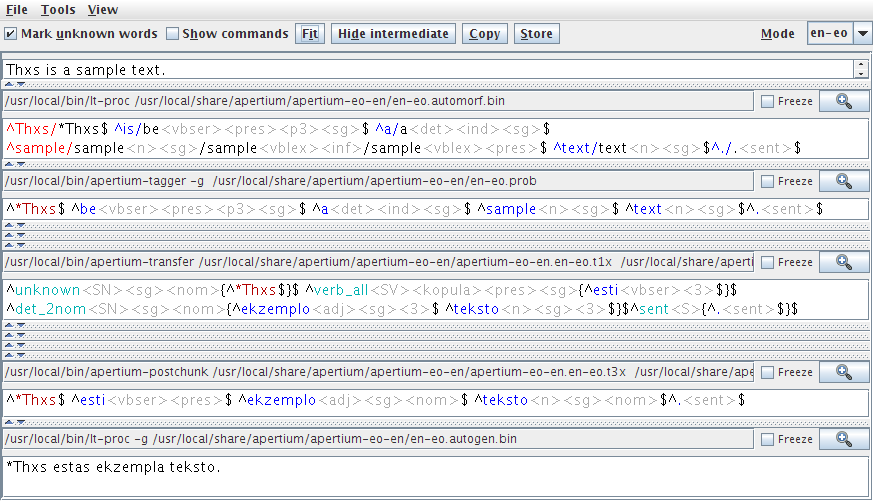
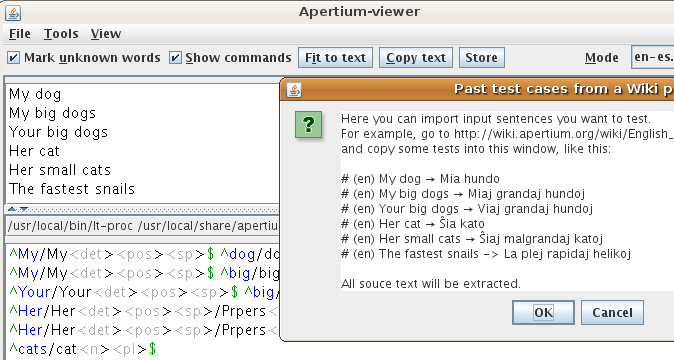
| 13:06, 8 April 2010 | Screenshot-Apertium-viewer.png (file) |  |
32 KB | Jacob Nordfalk | 1 | |
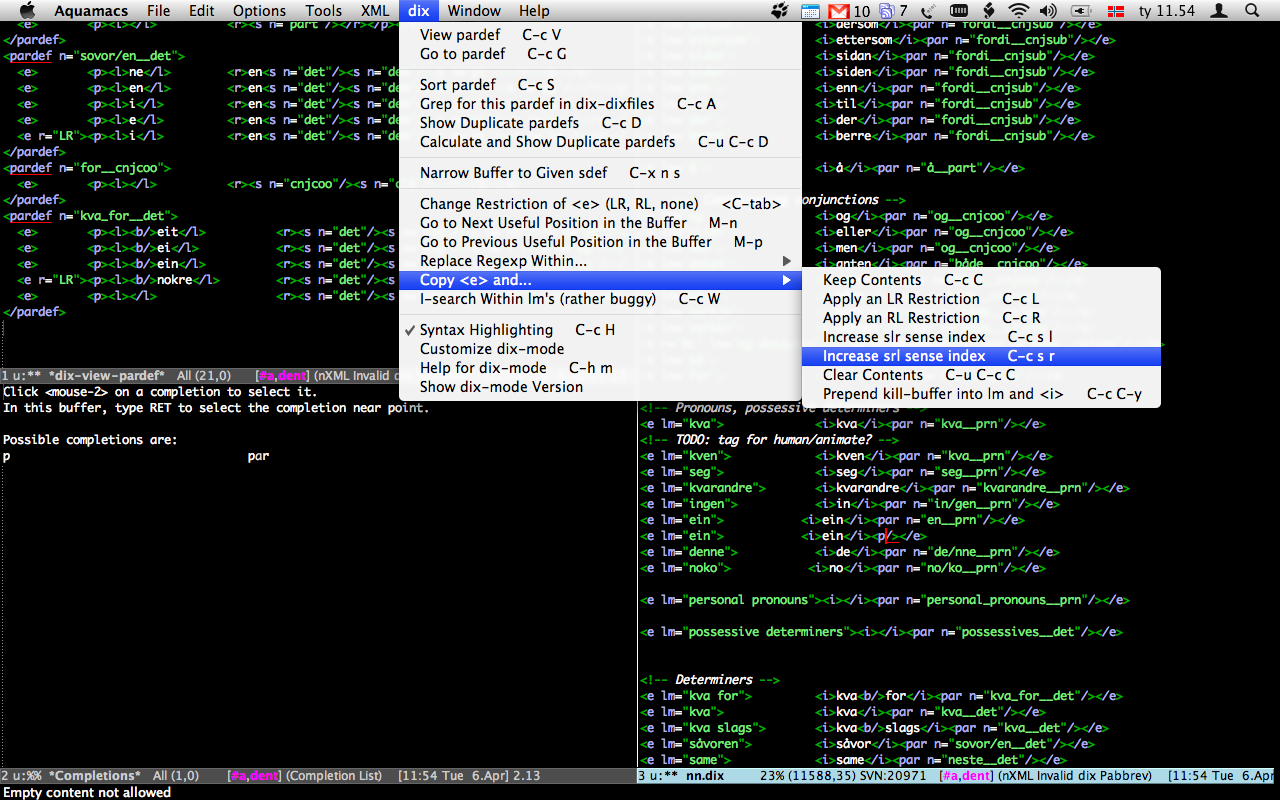
| 09:57, 6 April 2010 | Dix.el.png (file) |  |
403 KB | Unhammer | Screenshot of emacs dix-mode running on Aquamacs, Mac OS X, fullscreen, black background | 1 |
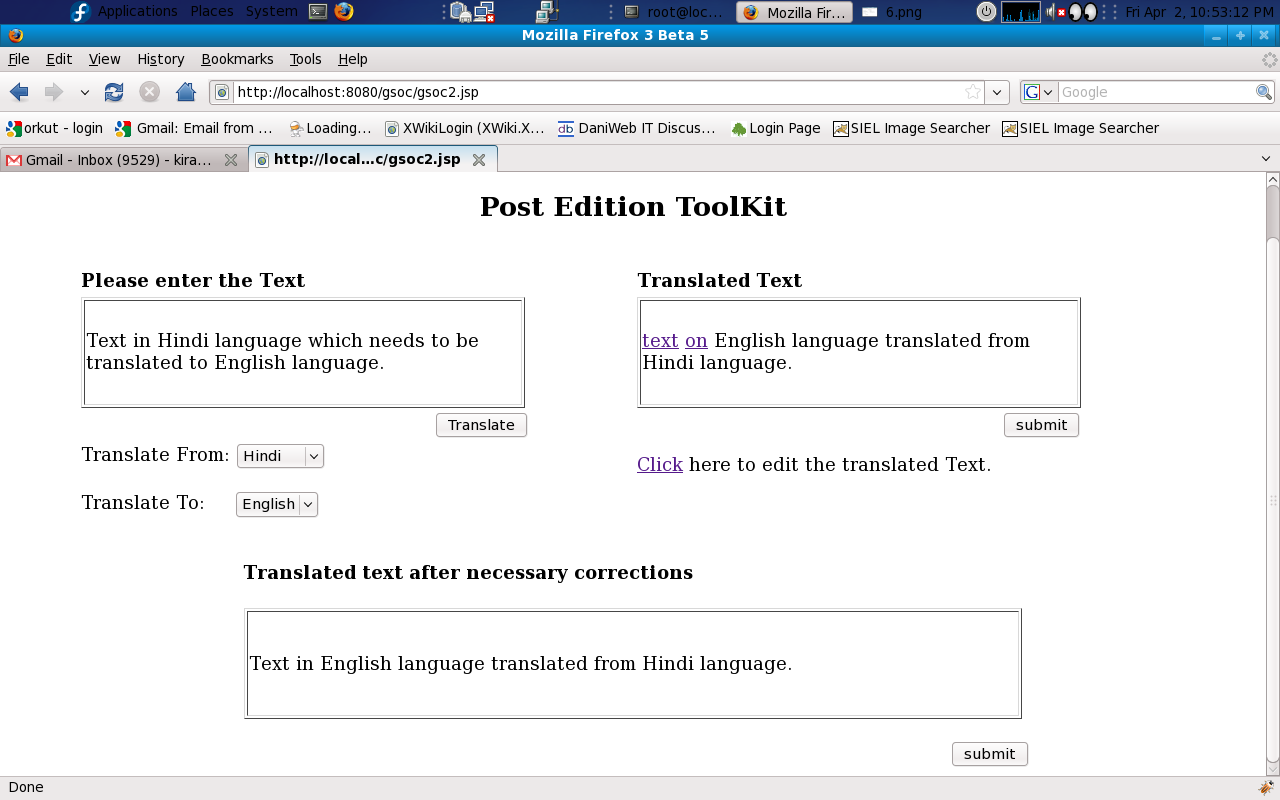
| 19:21, 2 April 2010 | Final.png (file) |  |
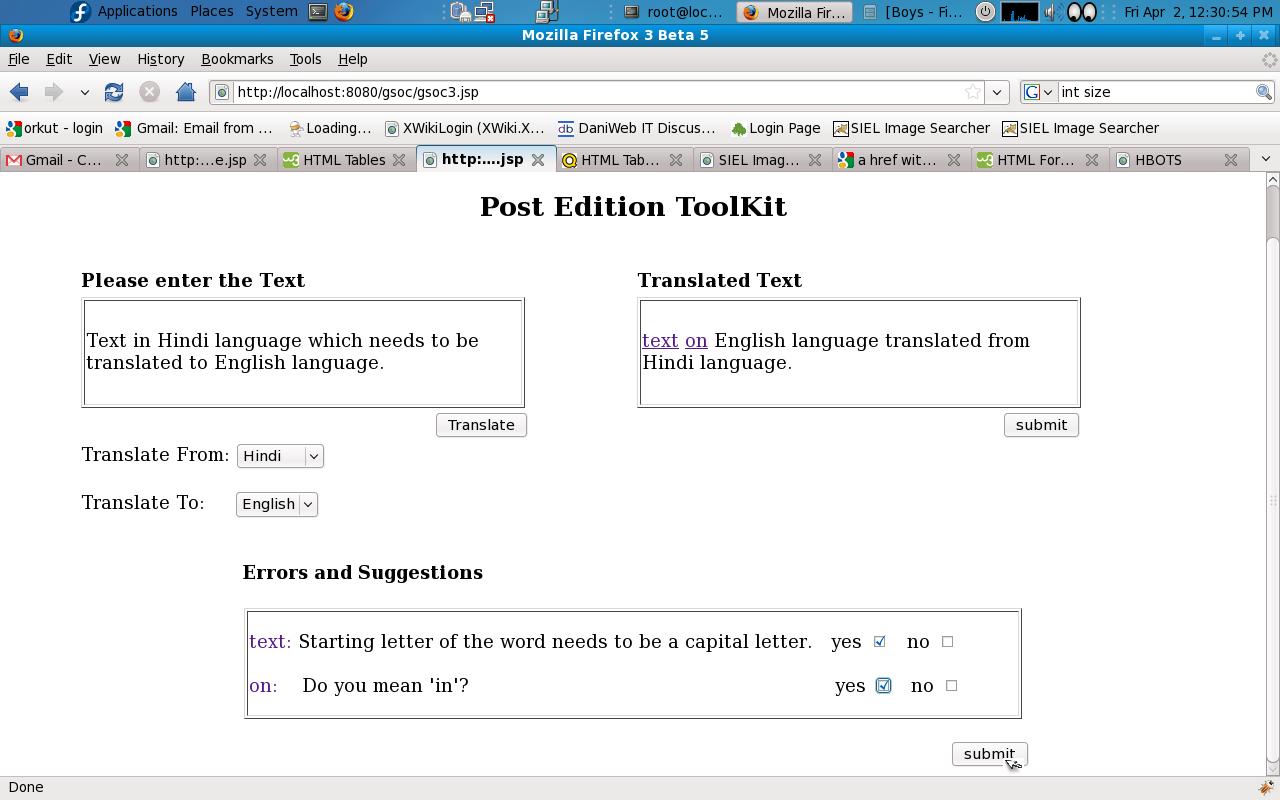
105 KB | Ramzz1 | The final text after necessary corrections will be displayed in the box located at the bottom of the page. | 2 |
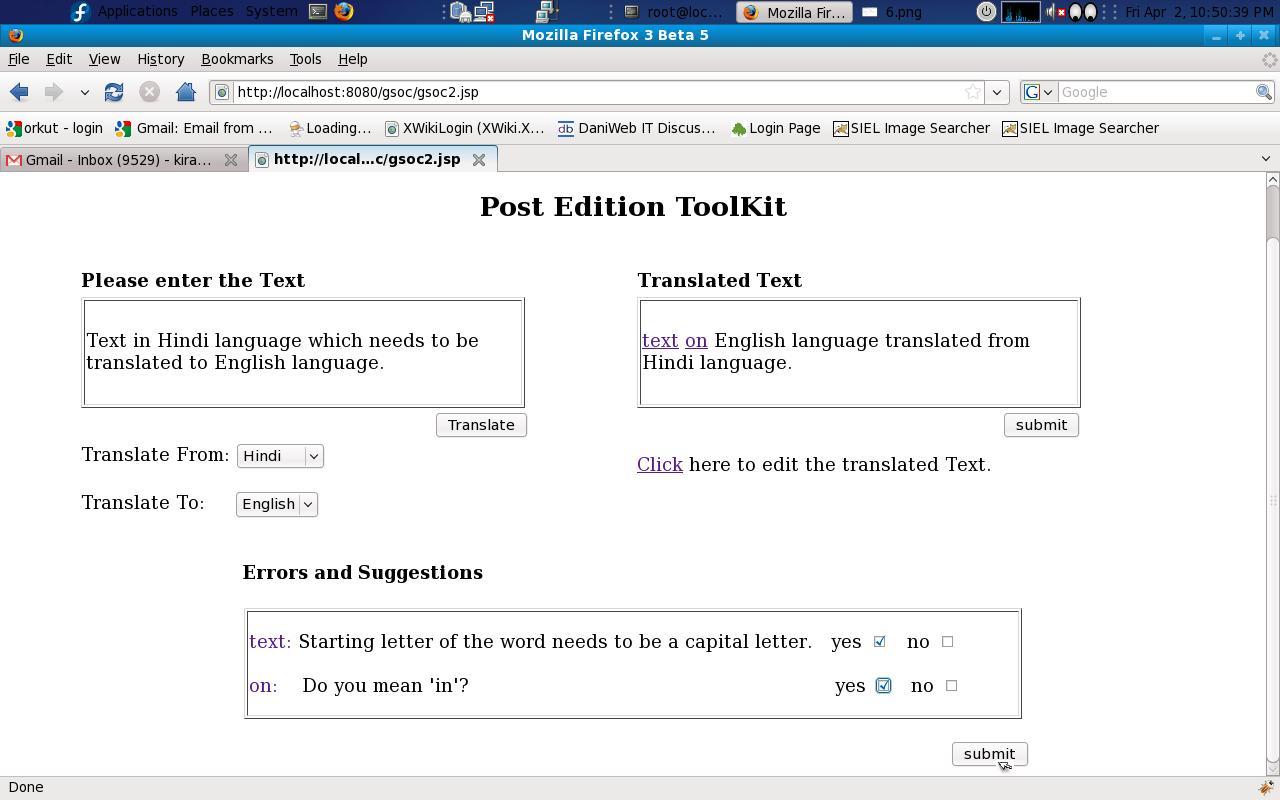
| 19:20, 2 April 2010 | Pet 4.JPG (file) |  |
106 KB | Ramzz1 | Errors in the Translated text(if any) will be displayed in the box located at the bottom of the page. The words where there are grammar/spelling mistakes will be 'highlighted'(in the Right side located box) and whenever the user clicks on such a particula | 1 |
| 19:16, 2 April 2010 | Pet 3.JPG (file) |  |
98 KB | Ramzz1 | After translation(i.e after the process of pet2.png), the user may click on the 'submit' button to know the errors. | 1 |
| 19:07, 2 April 2010 | Pet4.JPG (file) |  |
105 KB | Ramzz1 | After editing the translated text, user can click on the 'submit' button to get the final translated text without grammatical/spelling errors. | 1 |
| 18:57, 2 April 2010 | Pet3.JPG (file) |  |
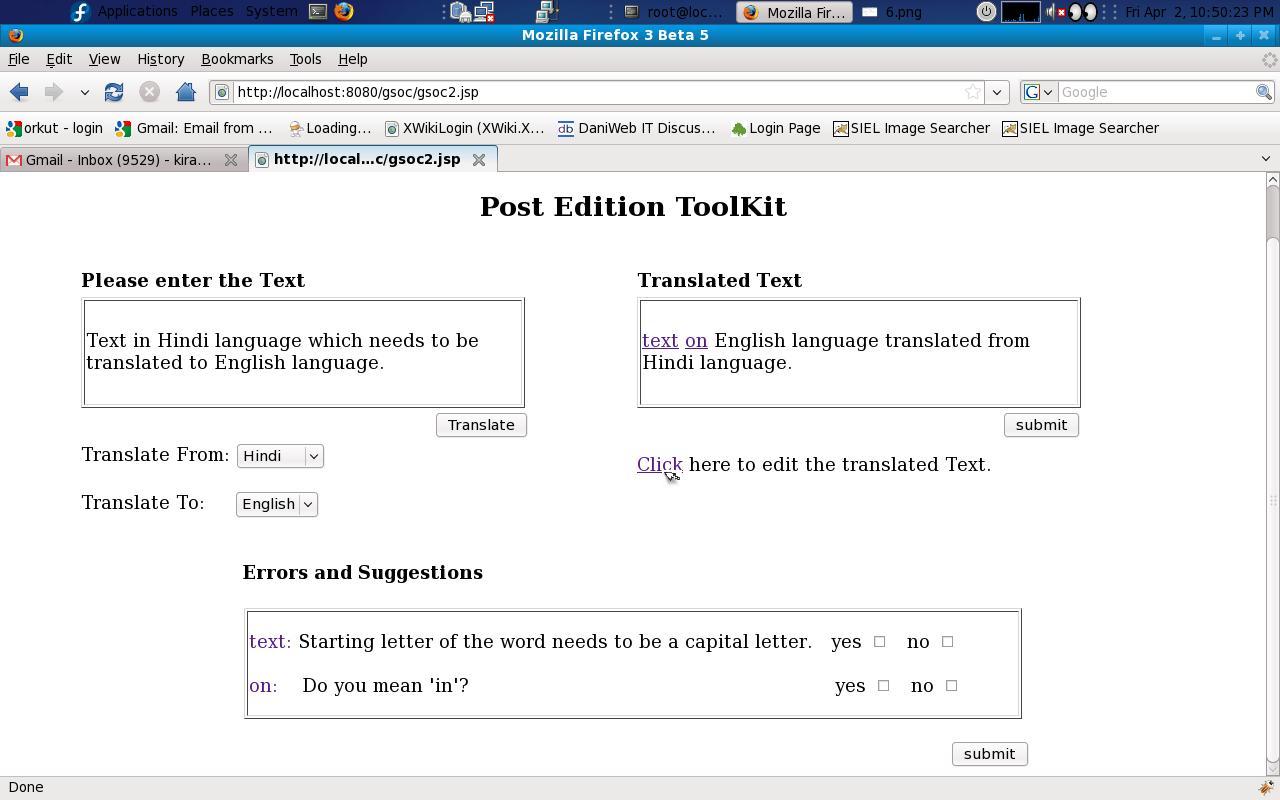
106 KB | Ramzz1 | When the user clicks on the 'click' button, he/she will be able to edit the translated text. | 1 |
| 18:54, 2 April 2010 | Pet2.png (file) |  |
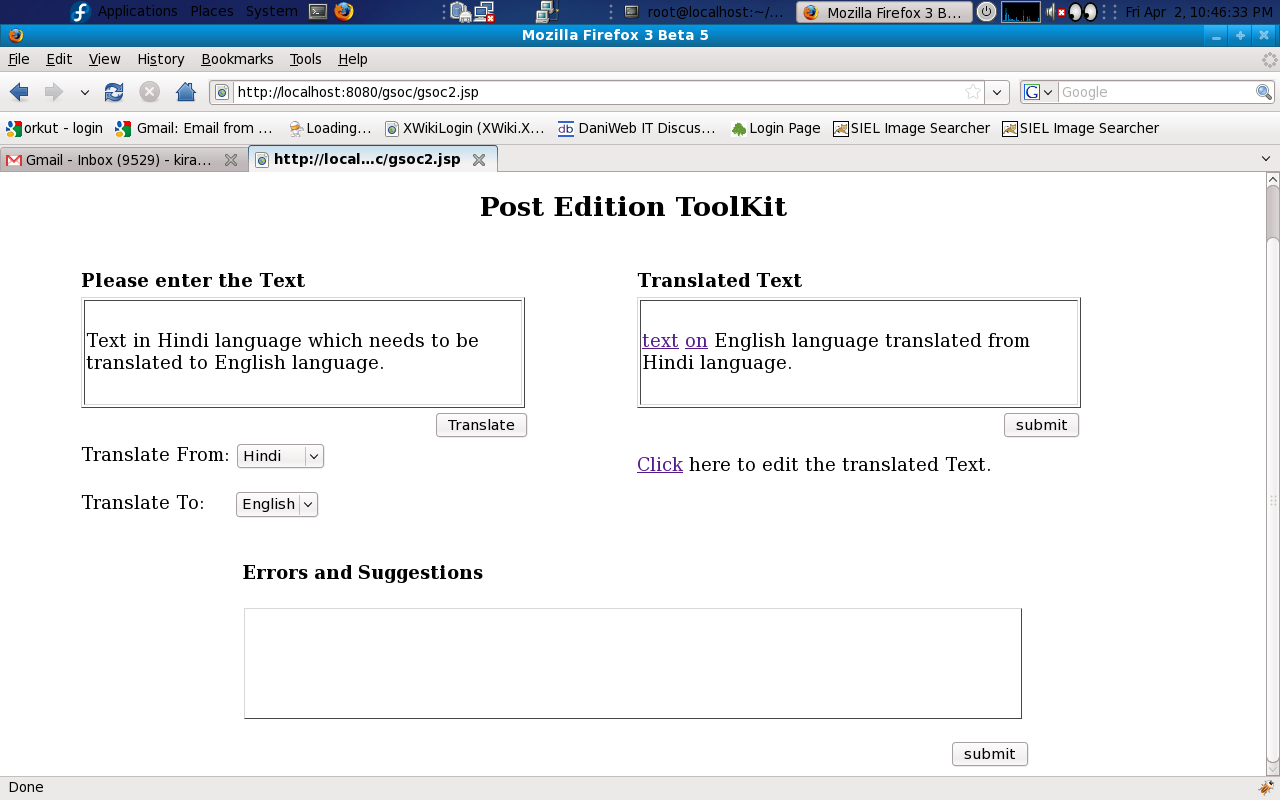
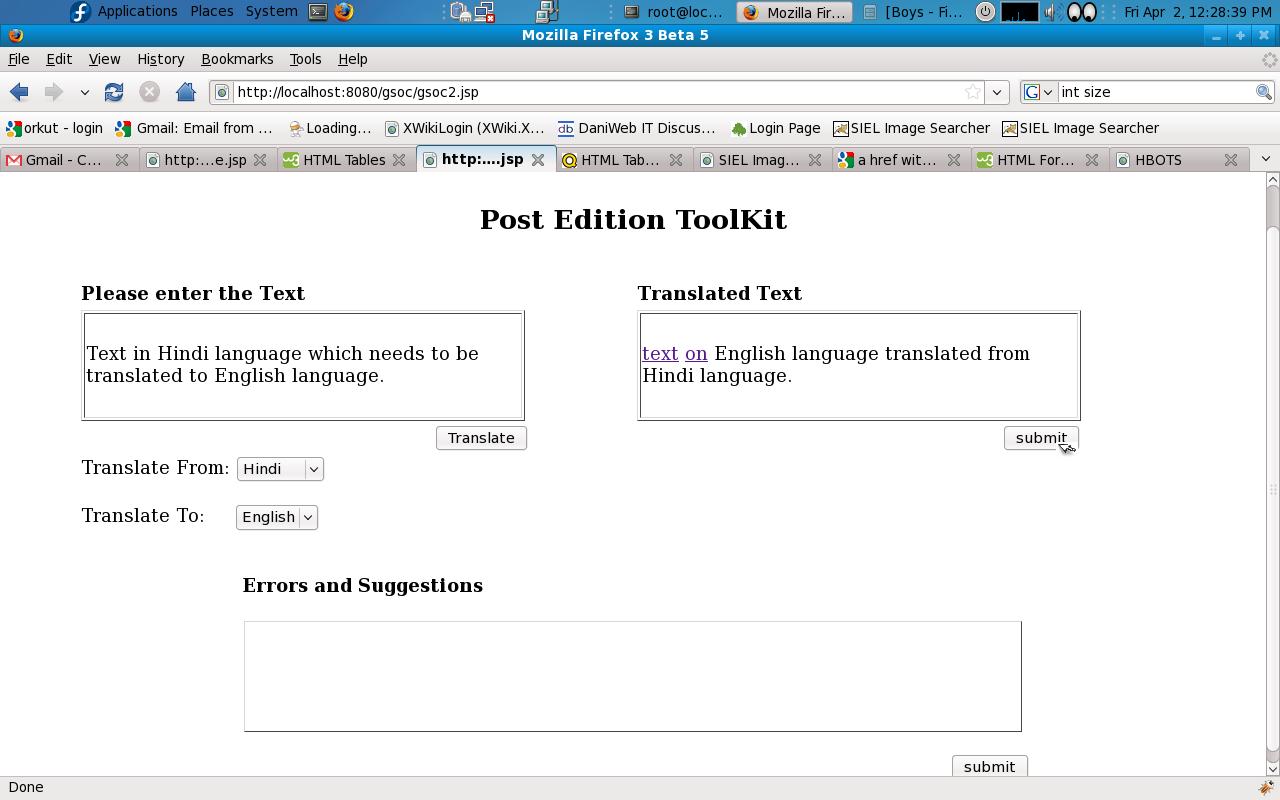
102 KB | Ramzz1 | The Translated text is displayed in the box located at the Right hand side of the page. | 1 |
| 18:52, 2 April 2010 | Pet1.png (file) |  |
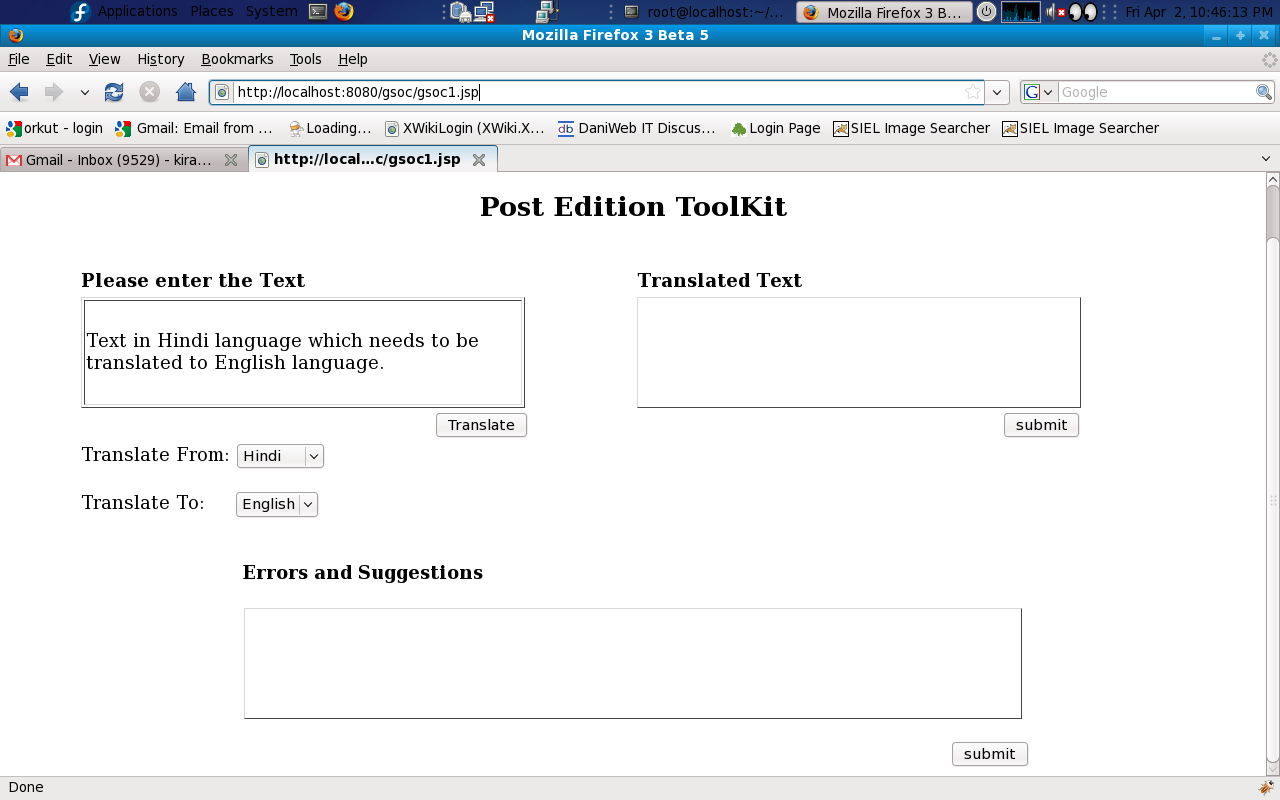
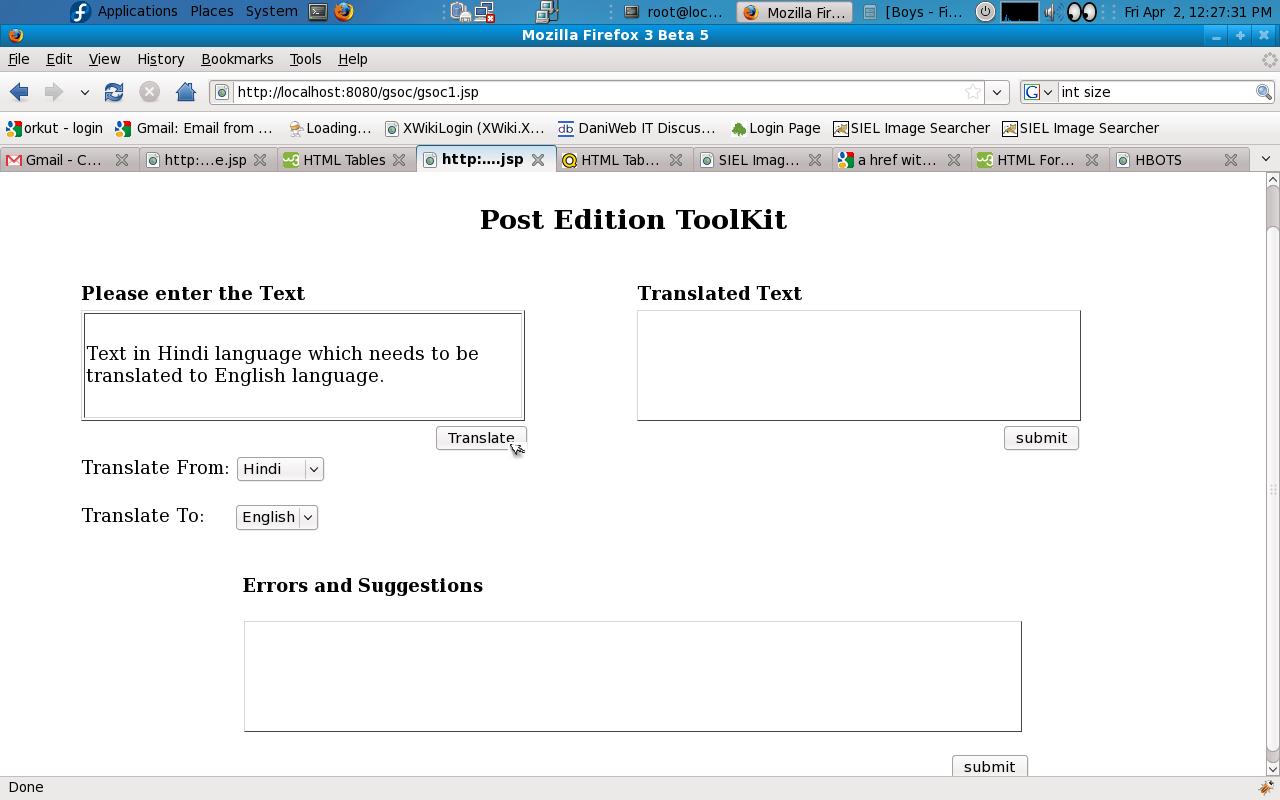
96 KB | Ramzz1 | The user needs to select the Language in which he/she is going to provide Input Text data and also needs to specify the language into which the Translation needs to be done. After that the user will enter the text data in the box located at the Left hand | 1 |
| 15:44, 2 April 2010 | 5.png (file) |  |
108 KB | Ramzz | Reverted to version as of 15:24, 2 April 2010 | 3 |
| 15:24, 2 April 2010 | 4.JPG (file) |  |
109 KB | Ramzz | Screen shot-4, which shows the web application of Post-edition tool for spell/grammar checking after translation. | 1 |
| 15:22, 2 April 2010 | 2.JPG (file) |  |
101 KB | Ramzz | Screen shot-2, which shows the web application of Post-edition tool for spell/grammar checking after translation. | 1 |
| 15:21, 2 April 2010 | 1.JPG (file) |  |
95 KB | Ramzz | Screen shot-1, which shows the web application of Post-edition tool for spell/grammar checking after translation. | 1 |
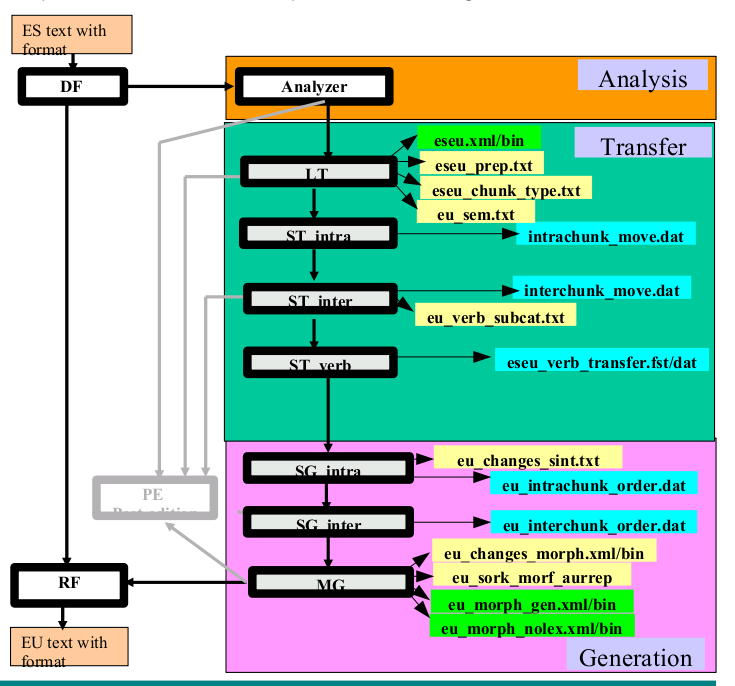
| 10:14, 3 March 2010 | Architecture.png (file) |  |
49 KB | Vitaka | 1 | |
| 16:07, 2 March 2010 | Ooo-is3.png (file) |  |
178 KB | Francis Tyers | 1 | |
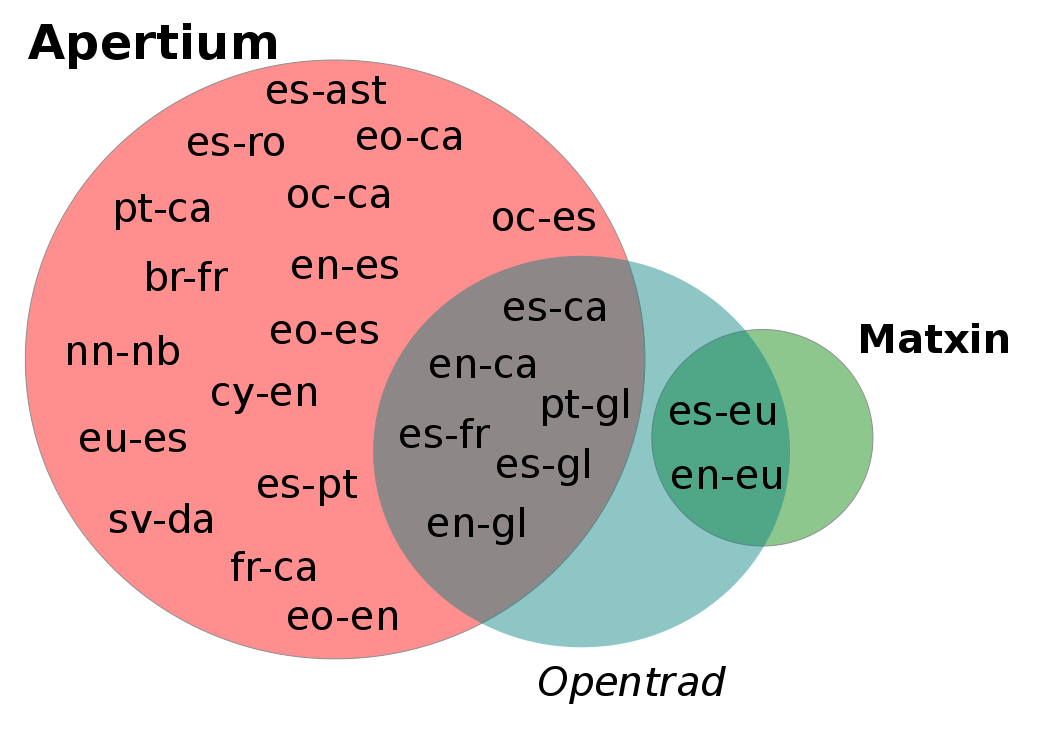
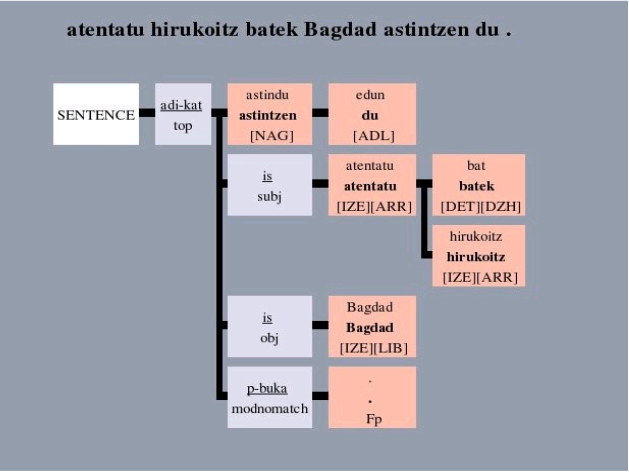
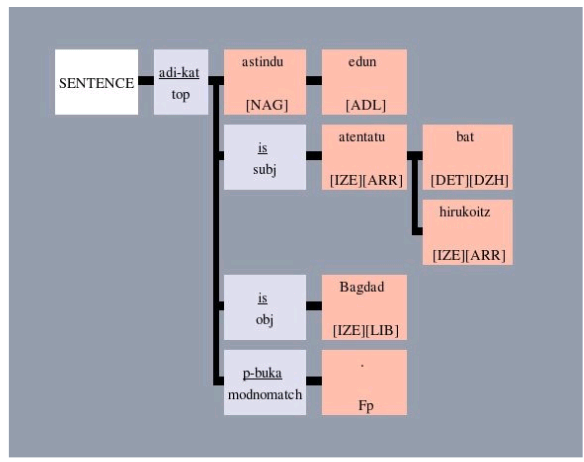
| 11:58, 8 February 2010 | Apertium matxin opentrad.png (file) |  |
145 KB | Francis Tyers | 2 | |
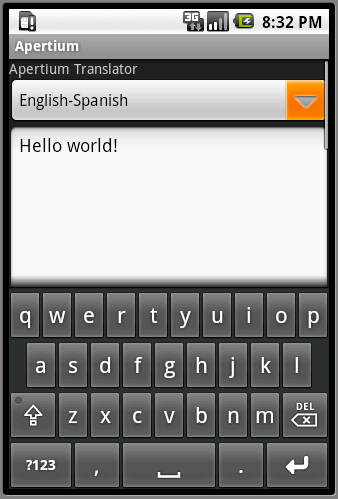
| 19:37, 28 December 2009 | Apertium-android-text.png (file) |  |
36 KB | Ebenimeli | Apertium Android Text | 1 |
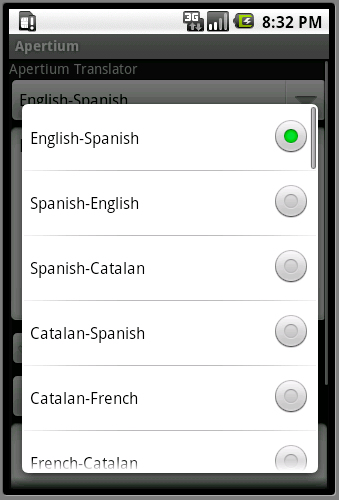
| 19:37, 28 December 2009 | Apertium-android-langs.png (file) |  |
36 KB | Ebenimeli | Apertium Android Languages | 1 |
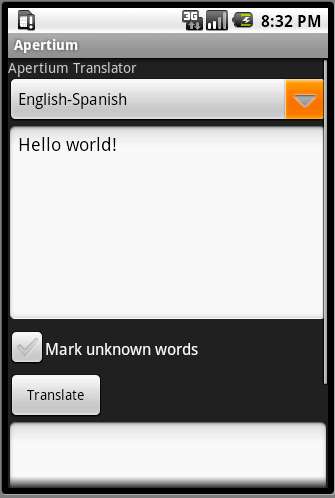
| 19:36, 28 December 2009 | Apertium-android-gui.png (file) |  |
25 KB | Ebenimeli | Apertium Android GUI | 1 |
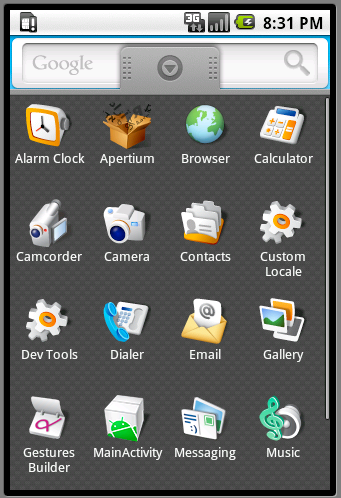
| 19:35, 28 December 2009 | Apertium-android-apps.png (file) |  |
88 KB | Ebenimeli | Apertium Android Apps | 1 |
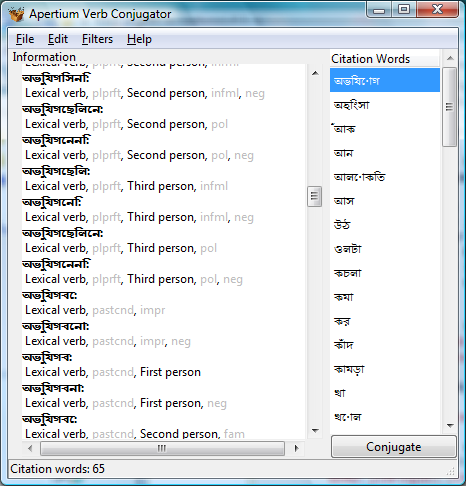
| 13:02, 2 July 2009 | Conj.png (file) |  |
70 KB | Jimregan | Conjugator screenshot for Gekz | 1 |
| 08:58, 11 June 2009 | Moka.jpg (file) |  |
20 KB | Deadbeef | 1 | |
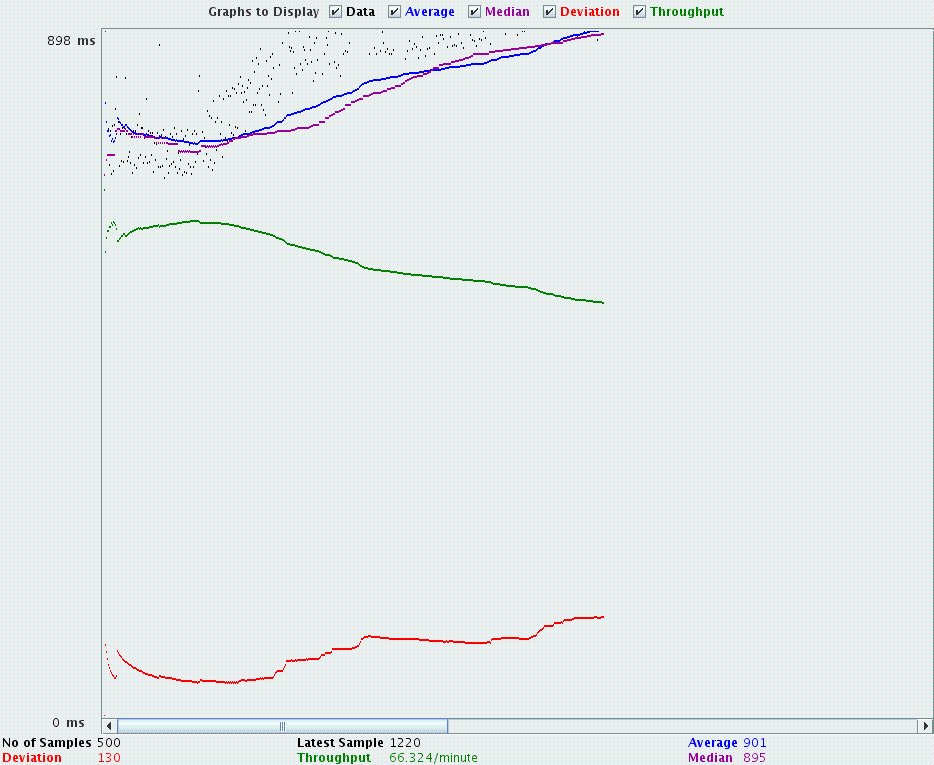
| 12:46, 5 June 2009 | VApertiumServerTestGraphNoDaemon.jpg (file) |  |
115 KB | Vitaka | Result of a JMeter test of ApertiumServer. Apertium pipeline is invoked with each request, to fond out the differences with daemons. | 1 |
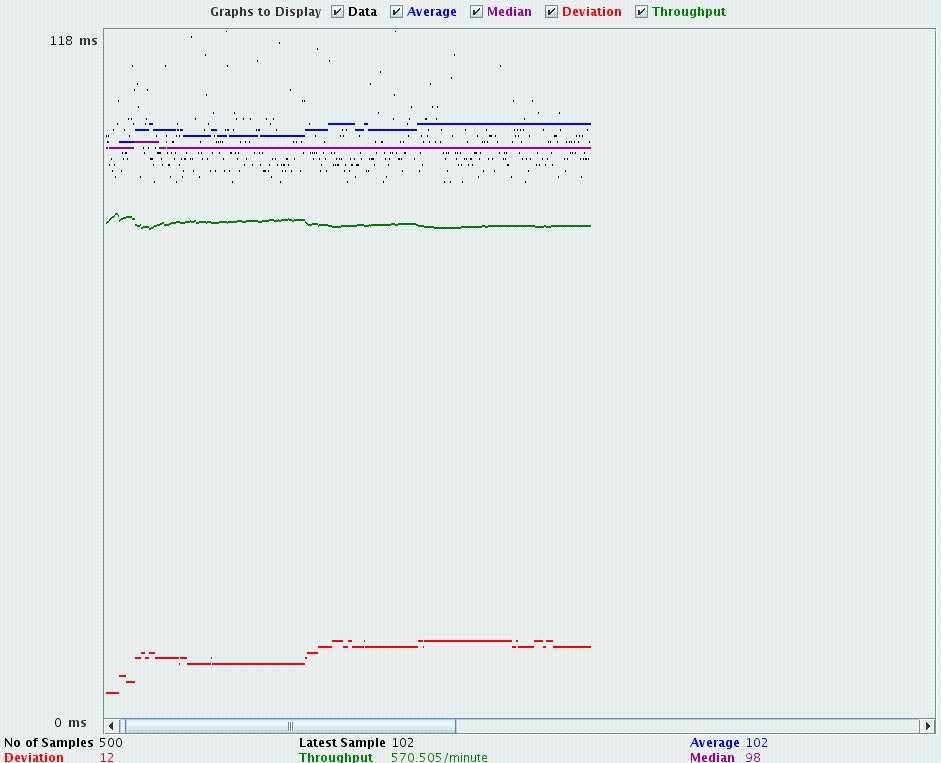
| 12:42, 5 June 2009 | VApertiumServerTestGraphDaemon.jpg (file) |  |
117 KB | Vitaka | Result of a performance test of ApertiumServer with JMeter. | 1 |
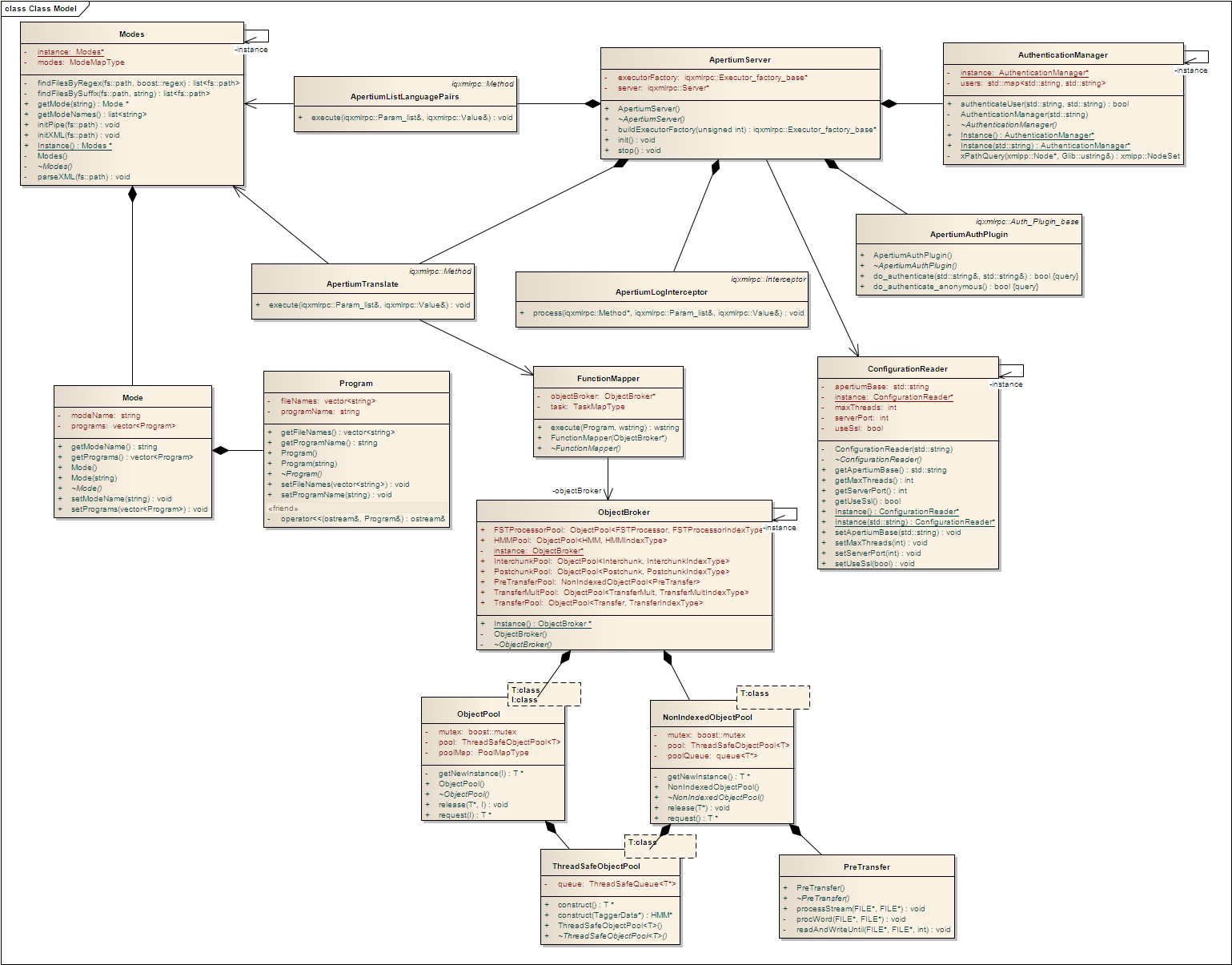
| 15:10, 27 May 2009 | ApertiumServerClassModel27052009.png (file) |  |
218 KB | Deadbeef | 1 | |
| 08:35, 27 May 2009 | Matxin41.png (file) |  |
74 KB | Muki987 | 1 | |
| 08:35, 27 May 2009 | Matxin31.png (file) |  |
54 KB | Muki987 | 1 | |
| 08:35, 27 May 2009 | Matxin21.png (file) |  |
65 KB | Muki987 | 1 | |
| 09:00, 26 May 2009 | Matxin11.png (file) |  |
64 KB | Muki987 | 1 | |
| 22:19, 22 May 2009 | ApertiumServerClassModel22052009.png (file) |  |
222 KB | Deadbeef | 1 | |
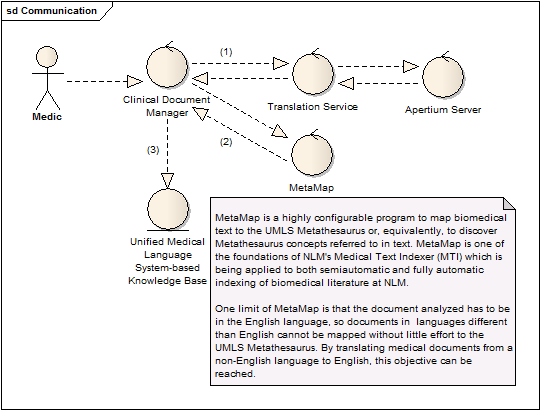
| 03:05, 22 April 2009 | ApertiumServerUseCase.png (file) |  |
19 KB | Deadbeef | 1 | |
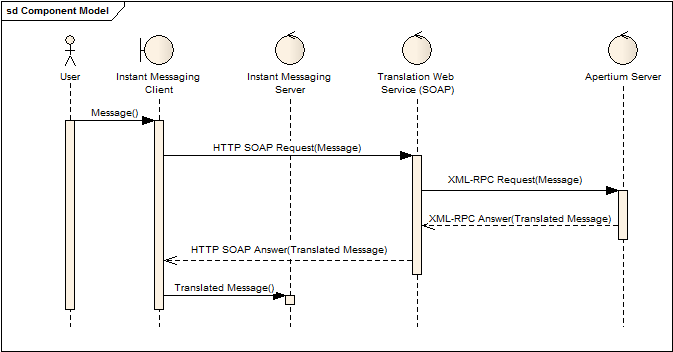
| 03:05, 22 April 2009 | ApertiumServerSequenceDiagram.png (file) |  |
11 KB | Deadbeef | 1 | |
| 03:05, 22 April 2009 | ApertiumServerInternals.png (file) |  |
17 KB | Deadbeef | 1 | |
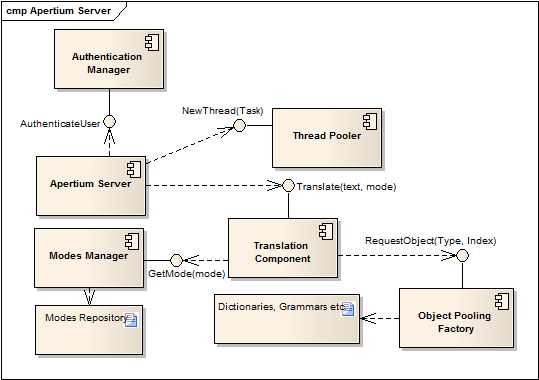
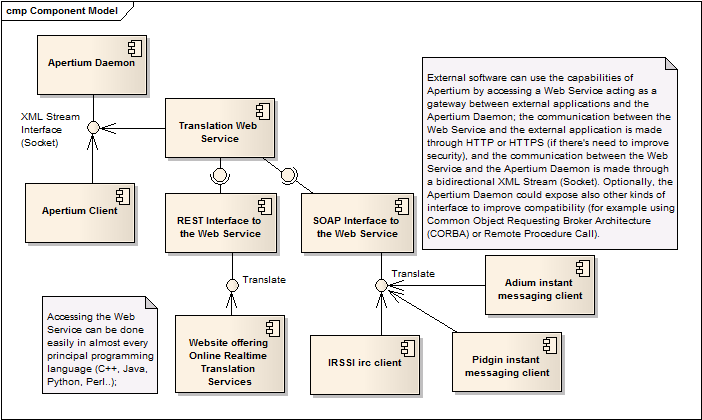
| 03:05, 22 April 2009 | ApertiumServerComponentDiagram.png (file) |  |
33 KB | Deadbeef | 1 | |
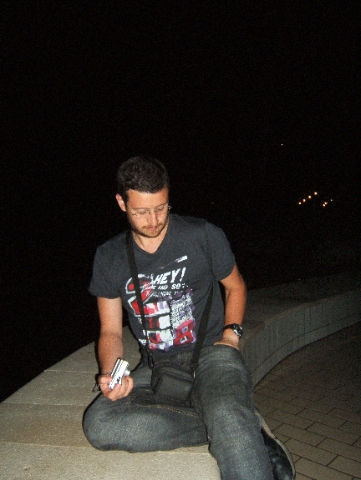
| 02:10, 21 April 2009 | Deadbeef.jpg (file) |  |
144 KB | Deadbeef | Me (Pasquale) trying to get why my cam doesn't work in the dark without flash (omg a bug) | 1 |
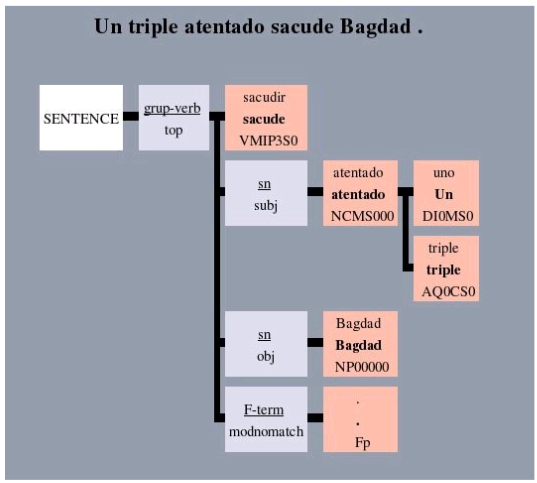
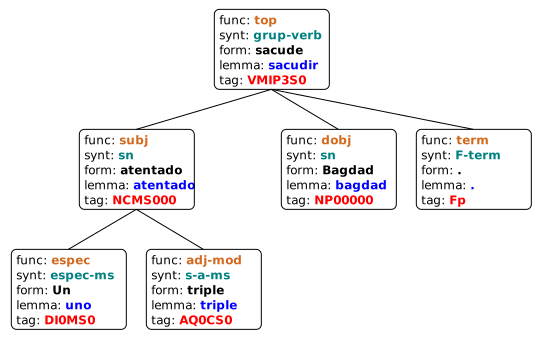
| 14:34, 19 April 2009 | Freeling dependency analysis.svg (file) |  |
11 KB | Francis Tyers | 2 | |
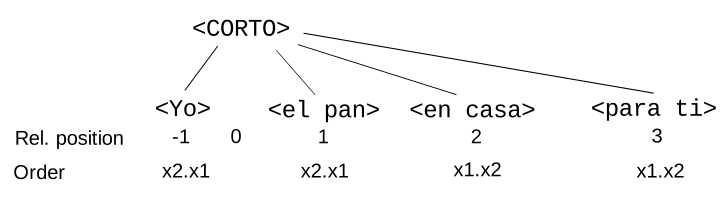
| 14:31, 19 April 2009 | Matxin rel pos diagram.svg (file) |  |
11 KB | Francis Tyers | 2 | |
| 09:17, 9 April 2009 | Apertium-Viewer Wiki test case import.png (file) |  |
32 KB | Jacob Nordfalk | 1 | |
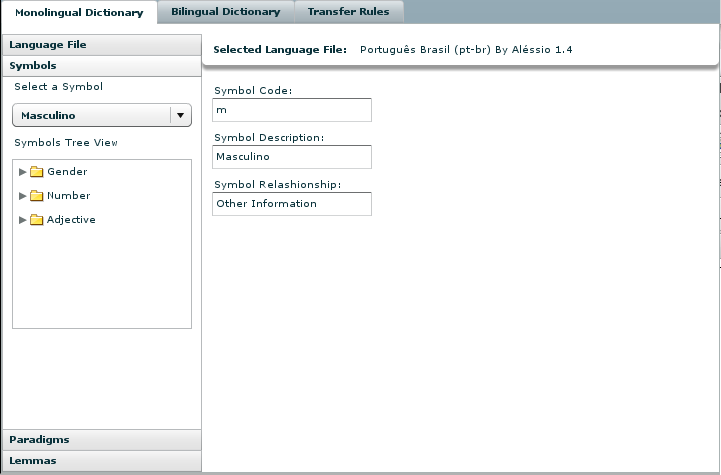
| 14:32, 24 March 2009 | Symbol.png (file) |  |
24 KB | Alessio | 1 | |
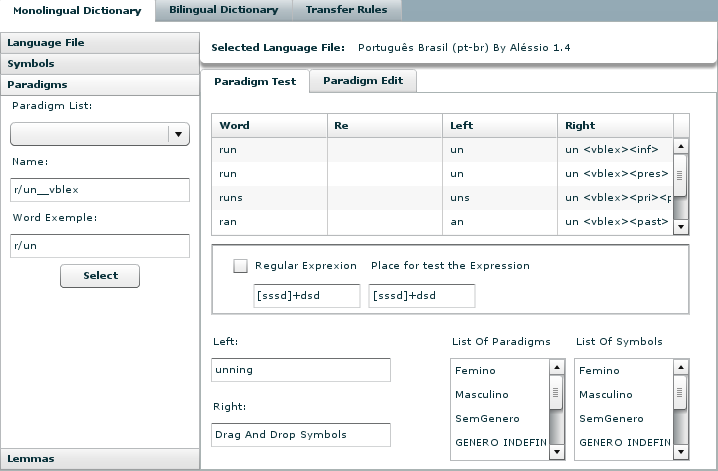
| 14:31, 24 March 2009 | Paradigm.png (file) |  |
37 KB | Alessio | 1 | |
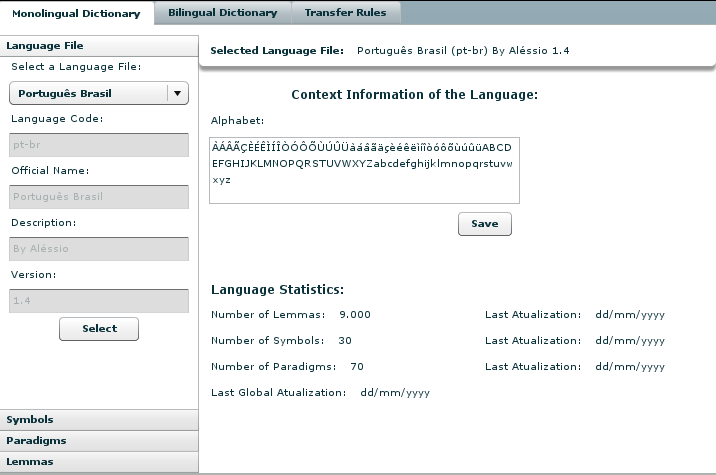
| 14:27, 24 March 2009 | Language.png (file) |  |
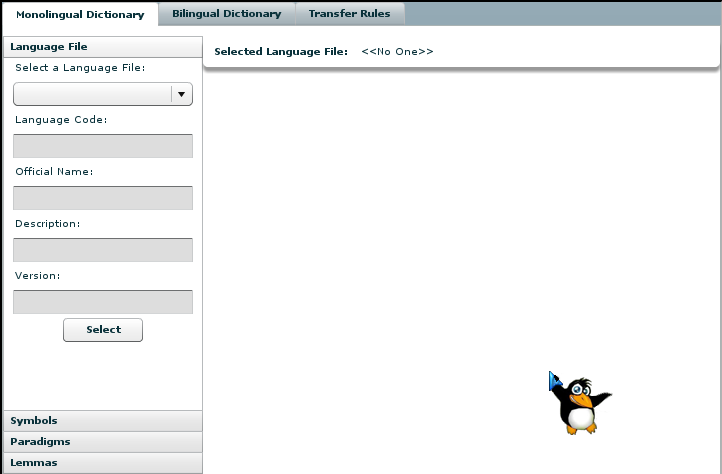
38 KB | Alessio | Prototype of language Interface 24-03-2009 | 1 |
| 14:26, 24 March 2009 | WiKLaTSInterface.png (file) |  |
24 KB | Alessio | Prototype Interface | 1 |
| 14:13, 24 March 2009 | Bilingual.png (file) |  |
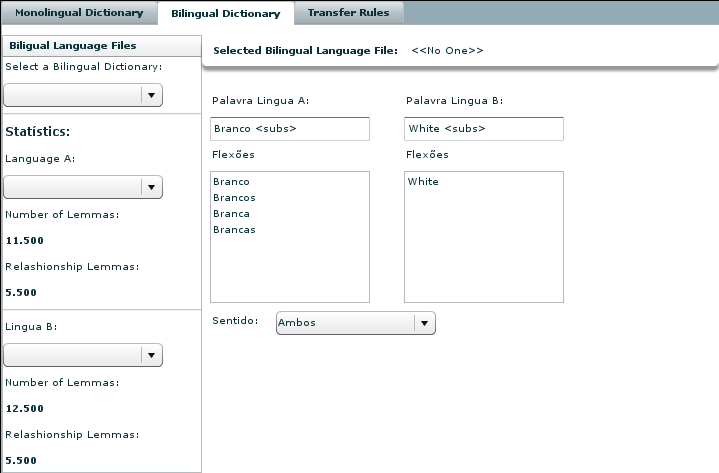
27 KB | Alessio | Prototype of Bilingual Interface - 24/03/2009 | 1 |
| 11:43, 16 February 2009 | Pose-example.png (file) |  |
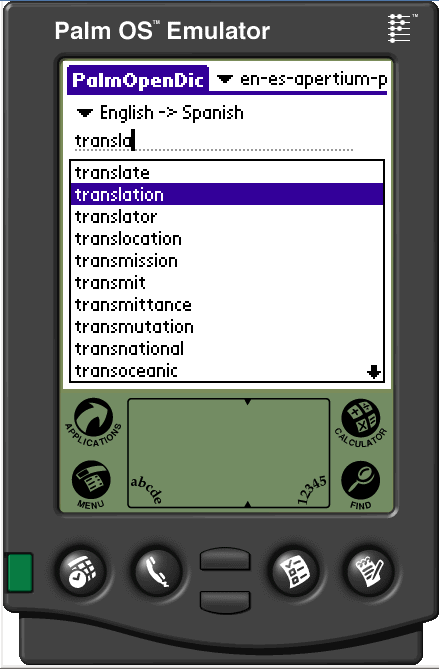
27 KB | Ebenimeli | Palm OS Emulator - Example | 1 |
| 11:10, 16 February 2009 | Palm-os-emulator.png (file) |  |
27 KB | Ebenimeli | Palm OS Emulator | 1 |
| 17:02, 22 January 2009 | Apertium-subtitles-800px.png (file) |  |
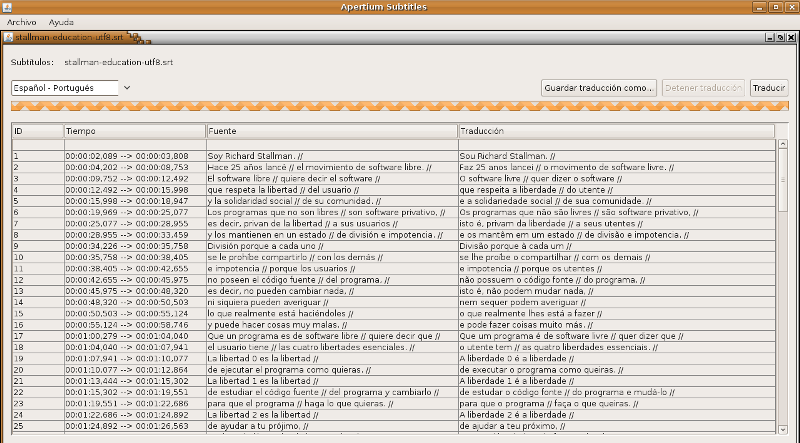
186 KB | Ebenimeli | Apertium Subtitles | 1 |
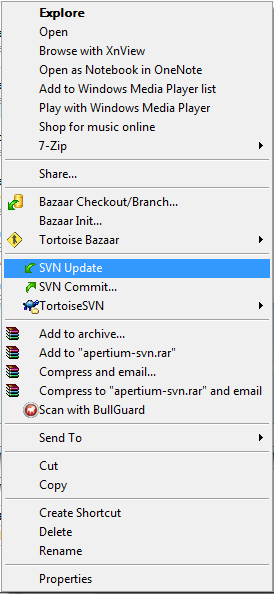
| 18:30, 24 December 2008 | Svn-up.png (file) |  |
16 KB | Jimregan | SVN Update -- right click on a folder under version control, and select SVN Update. | 1 |
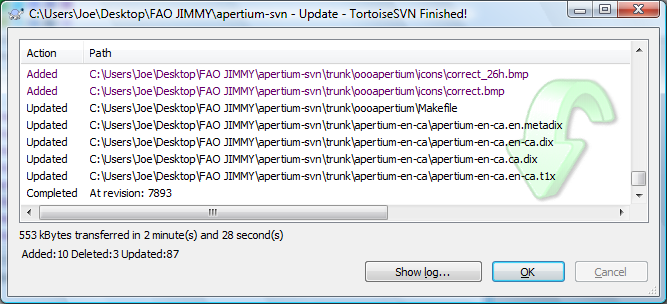
| 18:27, 24 December 2008 | Svn-up2.png (file) |  |
66 KB | Jimregan | SVN Update -- Completed | 1 |
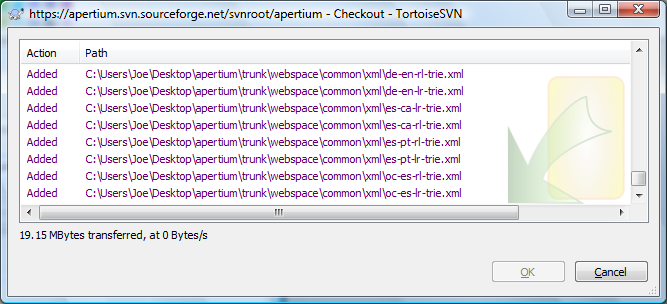
| 18:25, 24 December 2008 | Svn-co3.png (file) |  |
59 KB | Jimregan | SVN Checkout in progress -- nothing else needs to be done | 1 |
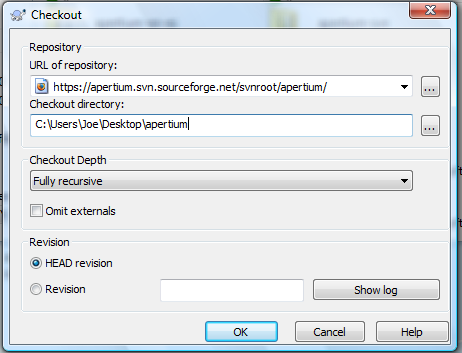
| 18:24, 24 December 2008 | Svn-co2.png (file) |  |
39 KB | Jimregan | Checking out stage 2 -- add repository address. If no local folder name is given, TortoiseSVN will 'guess'. | 1 |